Two Modes
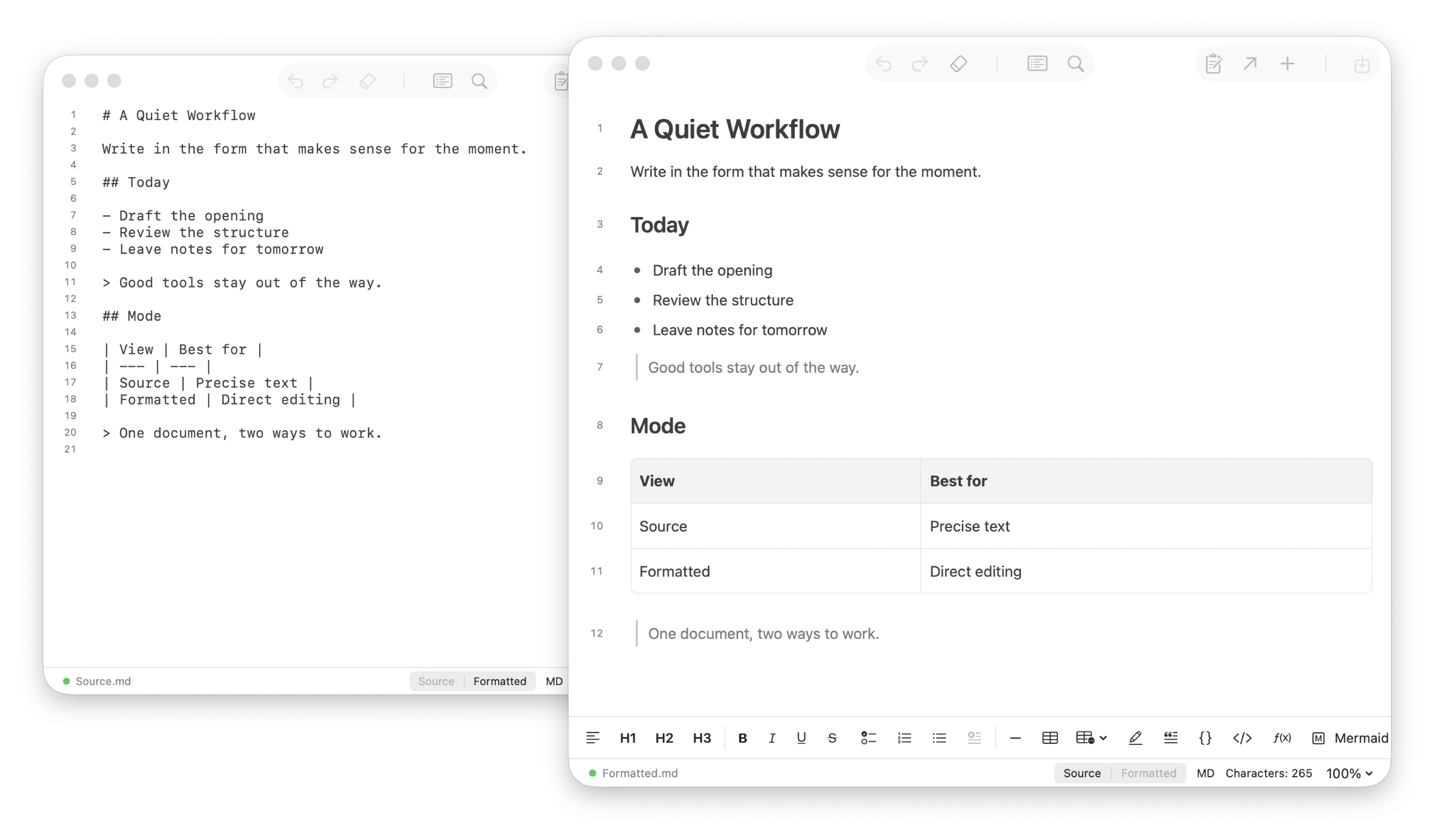
Source mode edits Markdown as plain text and suits users who know the syntax. While you type, it preserves unfinished Markdown and does not rewrite the entire document when saving.
Formatted mode edits the file as rich text without requiring Markdown syntax.
Both modes work on the same file, can be switched at any time, and share undo and redo. Switching modes alone does not change content or mark the document as unsaved.
Markdown
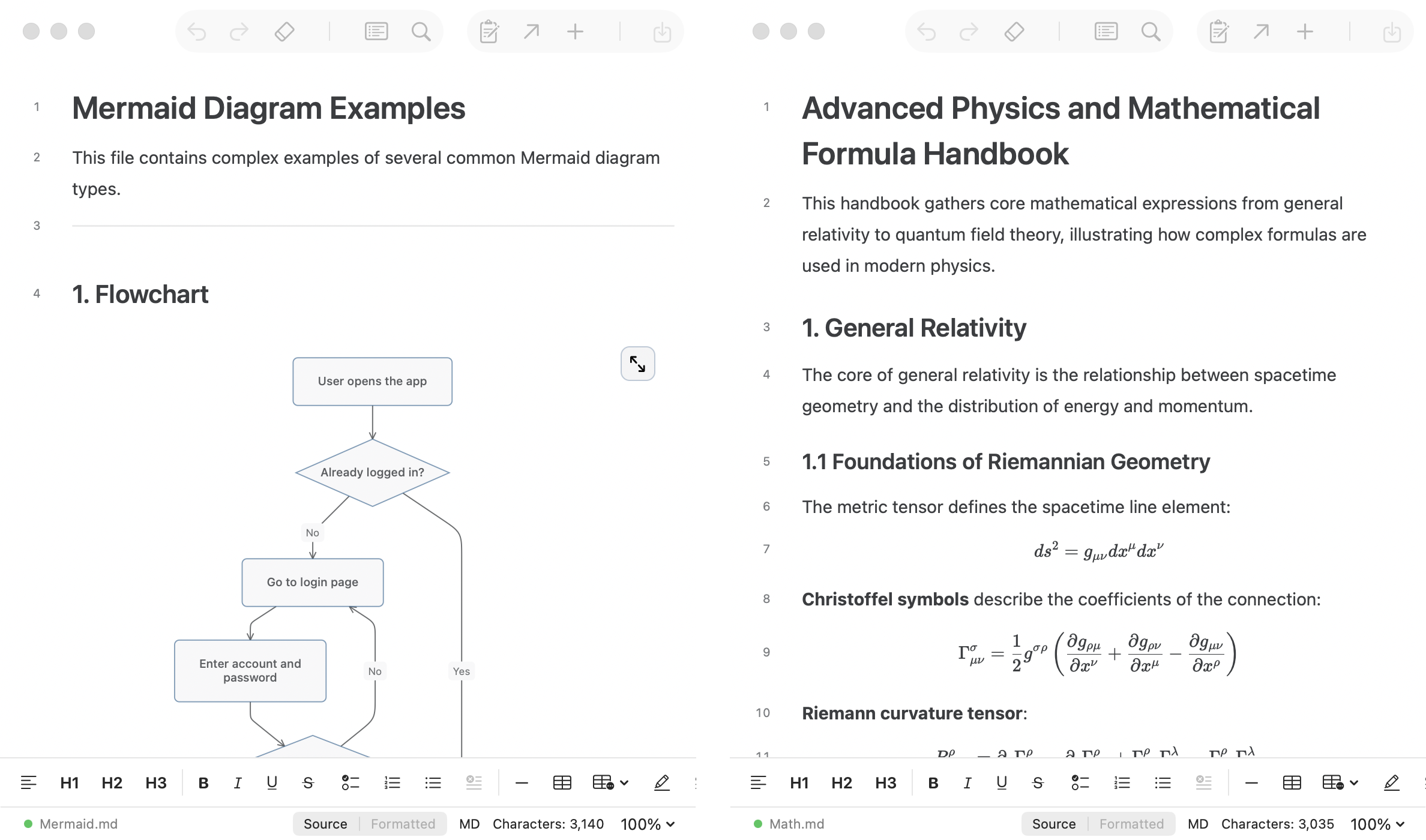
Mark II supports headings, bold, italic, strikethrough, inline code, links, quotes, unordered lists, ordered lists, task lists, code blocks, tables, dividers, images, and attachments.
Beyond CommonMark and GFM, it can display and edit math, Mermaid diagrams, alerts, and footnotes. Footnote references can jump to their definitions, while math and Mermaid content can be changed in dedicated source editors.
Convert Other Formats
Mark II can convert Word, PowerPoint, Excel, OpenDocument, RTF, EPUB, and text-based PDF files to Markdown, then open the new Markdown file for editing. The original file remains unchanged.
Conversion extracts and restructures content as Markdown, so it may not preserve the original layout. Scanned PDFs and pages that require OCR are not supported.
CSV Tables
CSV files also offer Source and Formatted modes. Source mode edits the file text directly; Formatted mode displays CSV with consistent field counts as an editable table with commands to insert or delete rows and columns.
Every field remains literal text: Mark II does not infer headers, numbers, dates, or formulas, and it never executes formulas. It supports UTF-8 and BOM-marked UTF-16; saving in place preserves the encoding, line endings, and final newline, while Save As writes a new CSV in UTF-8. If rows have different field counts, Mark II preserves the source and only pads empty fields for table editing after you explicitly agree.
Local Files and Multiple Windows
Documents remain ordinary .md files in Finder. You can move or rename them and continue working with other tools. Mark II does not use a private document package or require files to be imported into an app library.
Each document has its own window. Open several files at once, then arrange them with macOS window switching, Mission Control, or Split View. Each window keeps its own editing state and undo history.
Source Preservation and Compatibility
Opening a file, viewing content, switching modes or themes, and moving the insertion point do not rewrite the file. When you edit in Source mode, Mark II saves the current source without deliberately changing line endings, whitespace, or equivalent syntax.
If a file contains HTML or unknown syntax that Formatted mode cannot represent safely, Mark II preserves the source and lets you choose a read-only formatted preview, explicitly allow formatted editing, or remain in Source mode. If another app changes the file on disk, Mark II asks what to do before saving instead of silently overwriting it.
Editing and Reading Tools
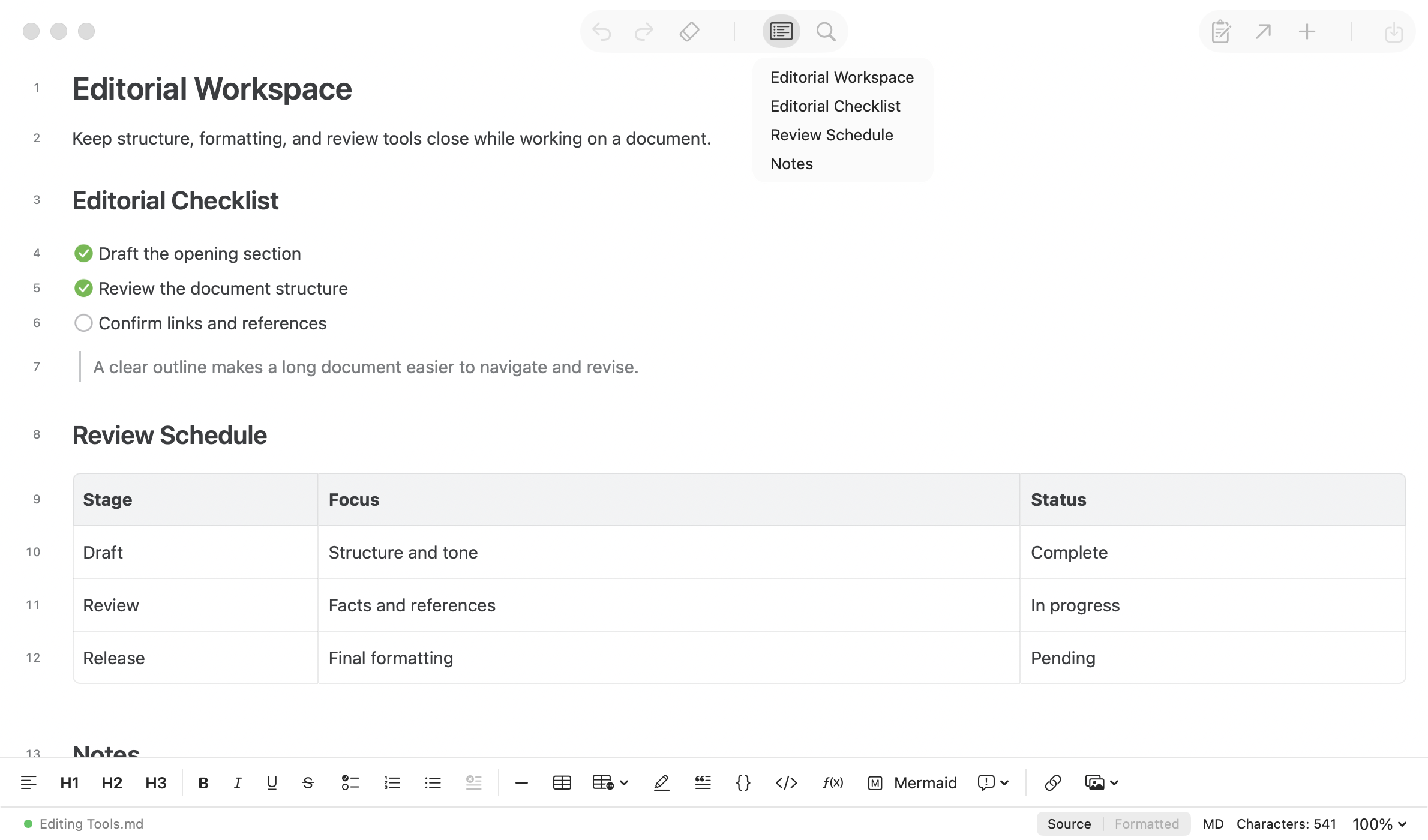
The format bar and menus provide commands for paragraphs, inline formatting, lists, tables, links, and resources. The table of contents is generated from the current document and jumps directly to headings. Find and replace works on actual source text in Source mode and visible text in Formatted mode.
Line numbers, character counts, undo and redo, display zoom from 50% to 300%, and four themes support editing and reading without being written into Markdown. Mark II preserves the current insertion point and reading position whenever possible after zooming, resizing, or switching modes.
Images and Attachments
Local resources inserted or pasted by Mark II are copied by default into a “document-name.assets” folder beside the Markdown file, with ordinary relative paths written into the document. Other Markdown tools can continue to read the file and its resources.
Existing files are never overwritten when names collide. Removing a link from the document does not automatically delete the file from disk. Resource reading, copying, and export respect paths and sandbox permissions to prevent access outside the selected location or partially written output.
Save and Export
Mark II uses explicit saving. If saving fails, it keeps the current text and unsaved state and continues to offer Save As. Existing Markdown files retain their UTF-8 BOM setting when saved; new files use UTF-8 by default.
Alongside Markdown, documents can be exported as TXT, RTF, RTFD, PDF, and HTML. Export uses stable document formatting rather than writing the current theme into the content, and never overwrites the source file or its referenced resources.
TXT and Platform Support
TXT files always open in Source mode as plain text. Mark II does not parse them as Markdown or create a resource folder. Saving the file as Markdown enables Formatted mode and formatting tools.
Mark II supports macOS 14 and later, with interfaces in Simplified Chinese and English. It focuses on local file editing and does not include folder projects, a private sync library, or a mobile version.