Mark II
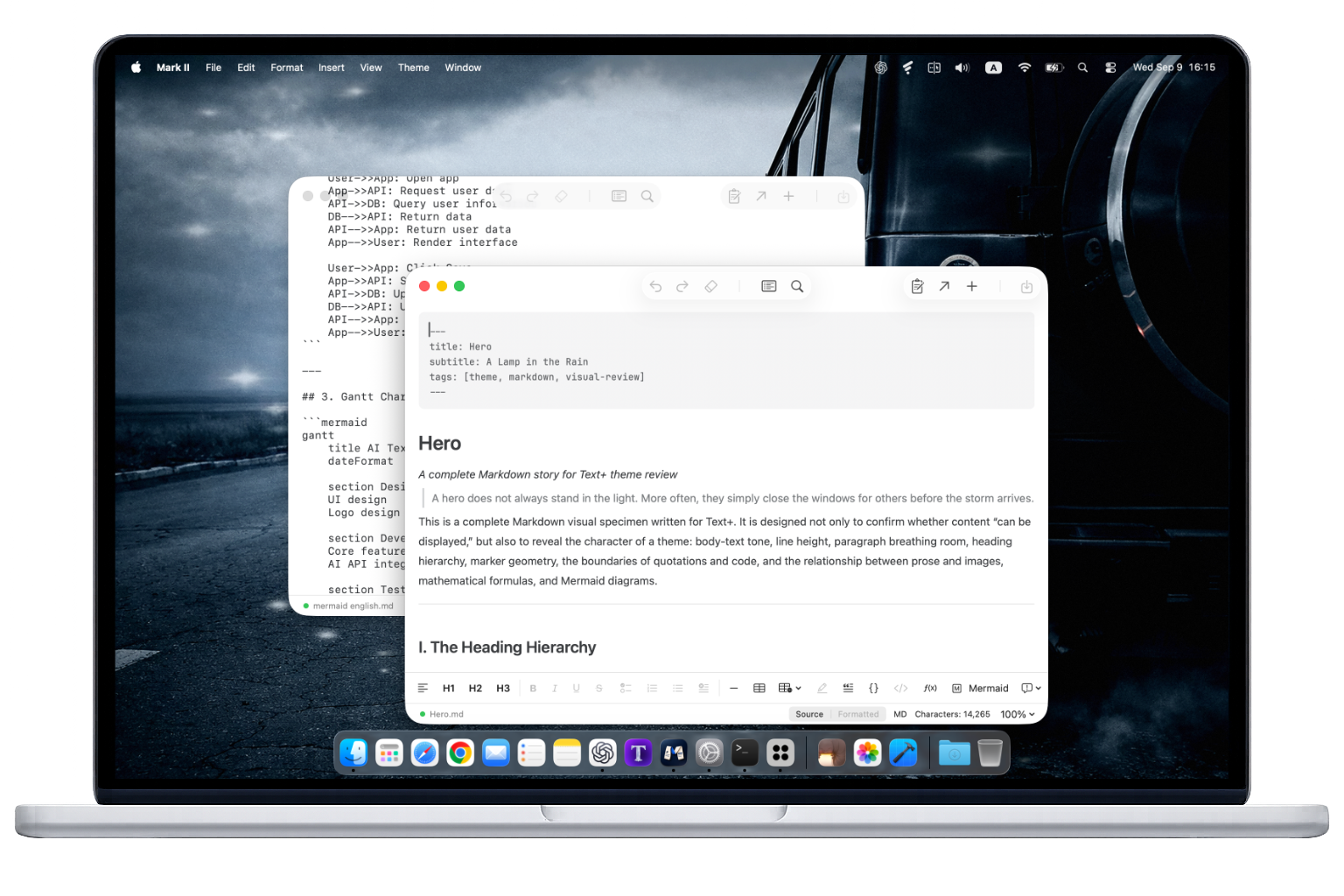
Mark II is a Markdown editor and viewer for macOS with Source and Formatted editing modes. It can convert Word, Excel, PowerPoint, and other documents to Markdown and open them for editing.
 Download Mark IIApp Store · Requires macOS 14 or later
Main Features
Learn more-
Two Modes
Edit plain text in Source mode or rich text in Formatted mode, and switch at any time.
-
Markdown
Supports headings, inline formatting, links, quotes, lists, tasks, tables, code blocks, math, Mermaid, footnotes, images, and attachments.
-
Multiple Formats
Convert Word, PowerPoint, Excel, OpenDocument, RTF, EPUB, and text-based PDF files to Markdown.
-
CSV Tables
Edit CSV as source or as an editable table, with every field treated as literal text.
-
Multiple Windows
One document per window, with native macOS window switching and management.
-
Source Preservation
Preserves unknown syntax whenever possible and keeps the original source intact when safe editing is unavailable.
-
Editing Tools
Includes a table of contents, find and replace, line numbers, character counts, undo and redo, and display zoom from 50% to 300%.
-
Resources and Export
Keep images and attachments beside the document, and export to TXT, RTF, RTFD, PDF, and HTML.
Frequently Asked Questions
What is Mark II?
Mark II is a Markdown editor and viewer for macOS, suited to writing articles, notes, and technical documents. It offers Source and Formatted editing modes, a document outline, find and replace, and multiple export formats.
In the era of vibe coding, projects often contain many Markdown documents. Use Mark II to open, preview, and read them. It supports CommonMark, GFM, and popular extensions such as math, Mermaid diagrams, alert blocks, and footnotes. If content cannot be safely rendered, you can still inspect the original text in Source mode.
How do I typically use Mark II?
Select a Markdown file in Finder and press Space to preview it with Mark II. You can also open the file in Mark II to read and edit it in Formatted mode, or switch to Source mode to edit the Markdown as plain text.
Can I edit directly in Formatted mode?
Yes. You can edit the text directly and use the toolbar to format headings, lists, and other content. Source and Formatted modes work on the same Markdown file. Switching modes alone does not change its content.
Will editing preserve my original Markdown syntax?
Source mode saves the source as edited. After edits in Formatted mode, some equivalent Markdown syntax may be normalized. Mark II warns you about content it cannot safely represent. Learn about source preservation and compatibility.
Mark II Availability
Mark II requires macOS 14 or later. Download Mark II for free from the Mac App Store.